Back to Training

Beginner 3 Days

Practical Website Development for Government Services

A beginner-friendly, hands-on programme that guides participants through planning, building and publishing a responsive, accessible and maintainable informational website.

Request a training proposal

For your organization, team or institution

Request Practical Website Development for Government Services training proposal on WhatsApp
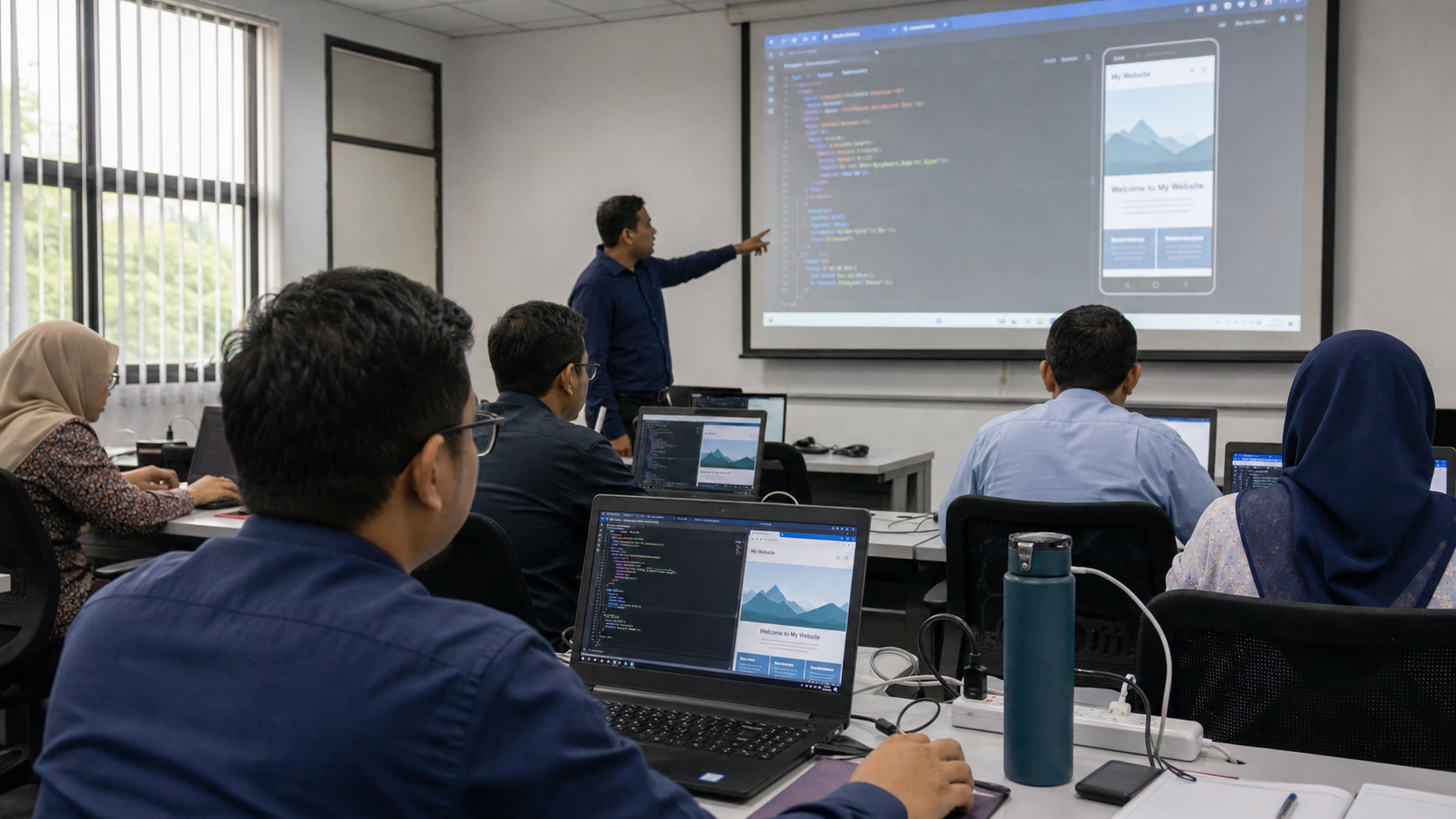
Practical Website Development for Government Services featured image

Level

Beginner

Duration

3 Days

Delivery

Face-to-Face · Instructor-Led · Hands-On Workshop

Audience

Government communication and corporate-affairs officers Departmental website administrators ICT officers and junior web developers Content editors Officers responsible for online information and public services

Course overview

Overview

This course introduces government staff to the essential skills required to plan and develop a modern informational website. It focuses on practical website creation without assuming prior programming experience.

Participants will build a responsive departmental website containing a homepage, service information, announcements, contact details and frequently asked questions. The programme also introduces content structure, accessibility, mobile responsiveness, basic security and website-maintenance practices.

By understanding how websites are constructed, participants will be better prepared to maintain departmental content, communicate requirements to vendors and evaluate the quality of website-development work.

What participants will learn

Learning Outcomes

Explain how domains

hosting

browsers and web servers work together. Structure web pages using semantic HTML. Design consistent layouts using modern CSS. Build navigation

cards

forms and reusable page sections. Apply responsive-design techniques for desktop and mobile devices. Add basic interactivity using JavaScript. Apply accessibility and content-readability principles. Use browser developer tools to identify and correct layout problems. Manage website files with Git and GitHub. Prepare a website for deployment and ongoing maintenance.

Structured programme

Training Modules

Day 1Website Planning and HTML Fundamentals

Participants plan the website structure and create its core pages. Topics include: How websites and hosting work Website objectives and target audiences Sitemap and content planning HTML document structure Semantic headings and page sections Navigation, links, images and tables Forms and contact information Organizing files and folders

Day 2Styling and Responsive Design

Participants transform the basic pages into a professional responsive website. Topics include: CSS selectors and reusable classes Typography, colors and spacing Flexbox and CSS Grid Cards, buttons and navigation bars Responsive breakpoints Mobile navigation Image optimization Accessibility, color contrast and keyboard navigation

Day 3JavaScript, Quality Assurance and Deployment

Participants add basic interactivity and prepare the website for publication. Topics include: JavaScript fundamentals Mobile menus and interactive components Basic form validation Browser developer tools Cross-browser and mobile testing Search-engine fundamentals Website security and maintenance Git and GitHub workflow Deployment concepts and final presentation

Bring this training to your team

Build practical skills through guided, hands-on learning.

The content and exercises can be tailored to your organization’s experience level and objectives.

Request Practical Website Development for Government Services proposal on WhatsApp

Continue learning

Related Training

View all →