Learning outcomes
- Design structured REST API endpoints
- Implement CRUD operations and request validation
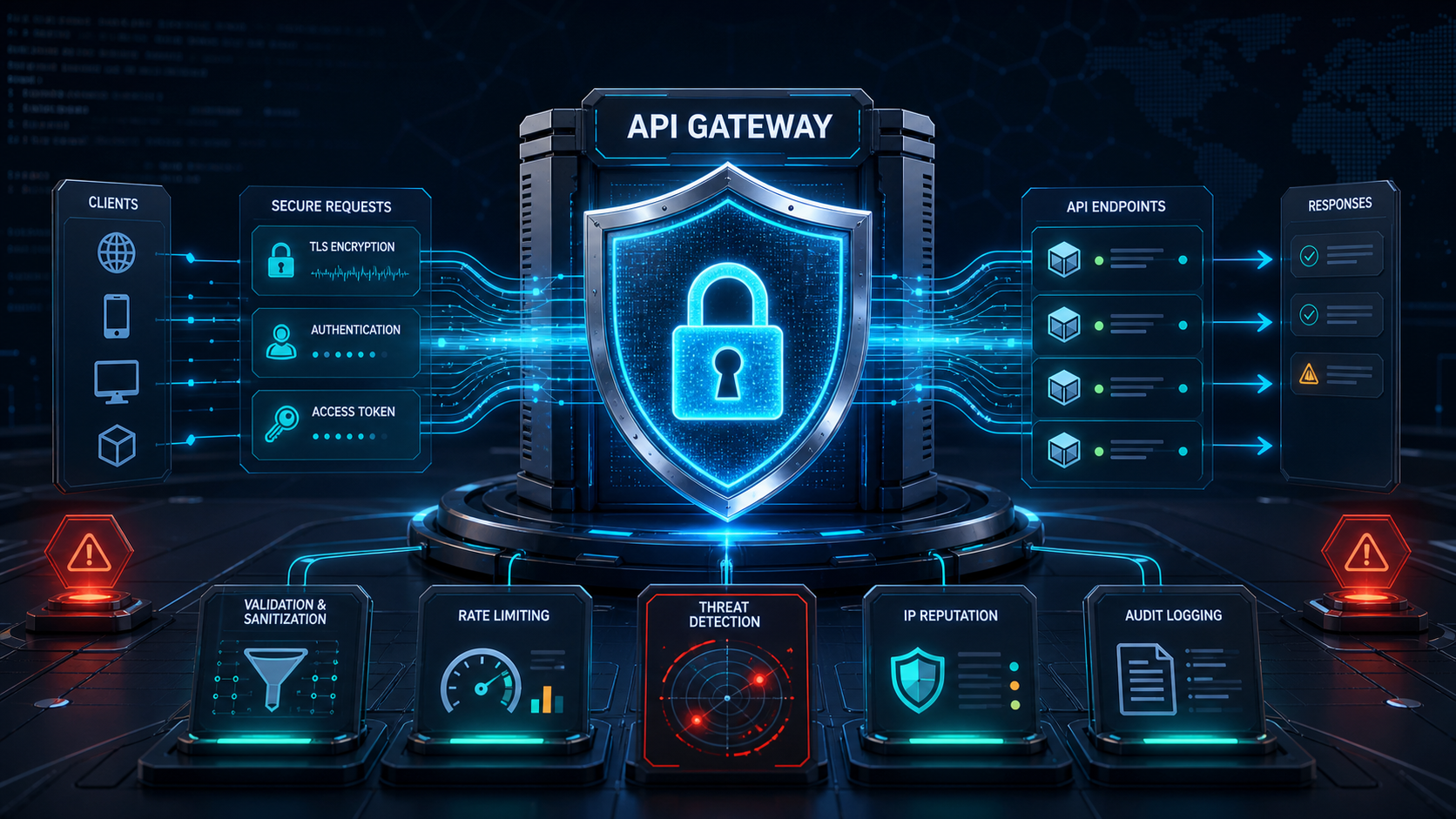
- Secure APIs using Laravel Sanctum
- Apply authentication, authorization, policies, and middleware
- Format responses using API Resources
- Integrate external services and webhooks
- Handle errors, logging, queues, and background processing
- Test and document API endpoints
Laravel recommends Sanctum for many API-token and first-party application scenarios, while queues allow time-consuming processes to run outside normal web requests. This makes the training relevant to real business-system integration work.
Laravel recommends Sanctum for many API-token and first-party application scenarios, while queues allow time-consuming processes to run outside normal web requests. This makes the training relevant to real business-system integration work.
Hands-on project Participants build a secure service-request management API with user authentication, role-based access, CRUD operations, status workflows, file attachments, notifications, and API documentation.